
Ubuntu remove SSH welcome message
Written by Yujin Boby
Edit in WordPressWhen you login to an Ubuntu server using SSH, you get welcome message like
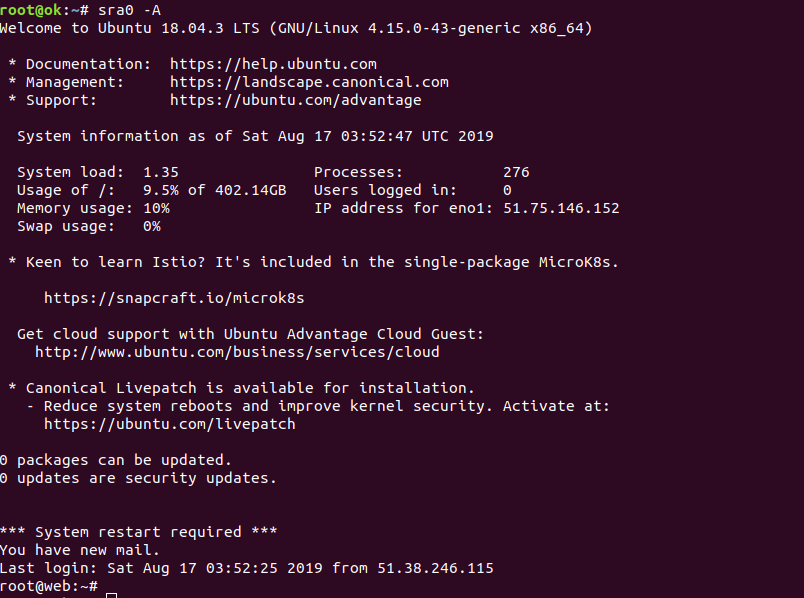
On most Linux systems, this is generated by /etc/motd. On Ubuntu, MOTD (message of the day) generated dynamically with some scripts. I don’t want to see all the marketing message from Ubuntu everyday.
To disable MOTD on Ubuntu, just delete the scripts from /etc/update-motd.d/
rm -f /etc/update-motd.d/*
If you want a differnt motd, you can put a shell script in this folder.
Method 2
Another way to disable motd is by disabling pam_motd.so module.
Edit files
/etc/pam.d/login
/etc/pam.d/sshd
Comment out the lines related to pam_motd.so
session    optional     pam_motd.so  motd=/run/motd.dynamic
session    optional     pam_motd.so noupdate