
Restart IIS from command line
Written by Yujin Boby
Edit in WordPressTo restart IIS from command line, click on start, search for “cmd”, right click on “Command Prompt” select run as Administrator. On the command prompt, run
iisreset
Start IIS
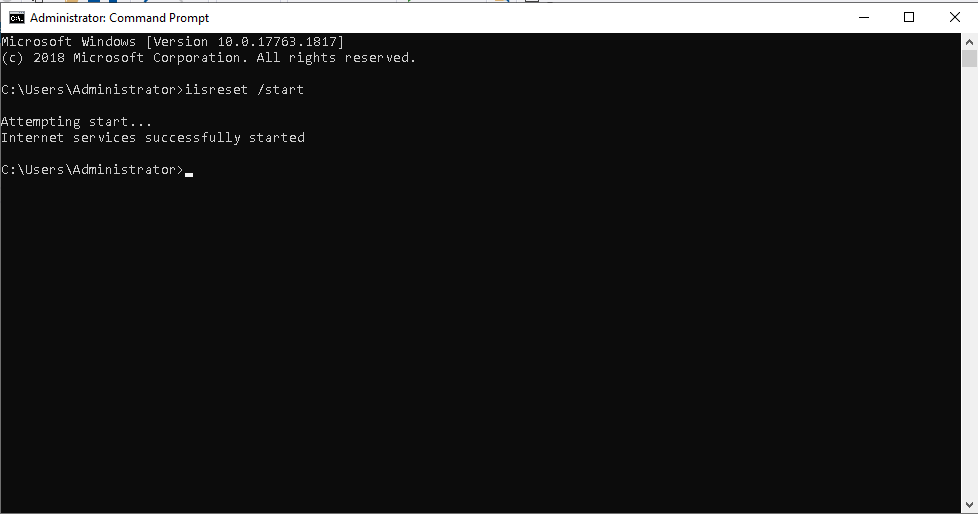
To start IIS from command line, run
iisreset /start
Stop IIS
iisreset /stop
See IIS