
RAID getting created as /dev/md127
Written by Yujin Boby
Edit in WordPressWhen I create software RAID with mdadm, it gets created as /dev/md127, instead of /dev/md0 I specified while creating RAID.
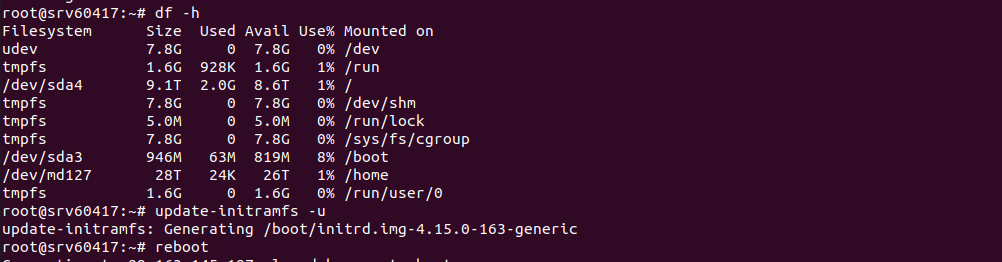
To fix this, you need to add RAID definition in /etc/mdadm/mdadm.conf, this can be done with
mdadm --detail --scan >> /etc/mdadm/mdadm.conf
Now run command
update-initramfs -u
Reboot the server, after reboot, RAID device will be named properly.