
Proxmox take snapshot of Virtual Machine
Written by Yujin Boby
Edit in WordPressTo take snapshot of virtual machine in proxmox, click on Virtual Machine, under Snapshots, clikc “Take Snapshot” button.
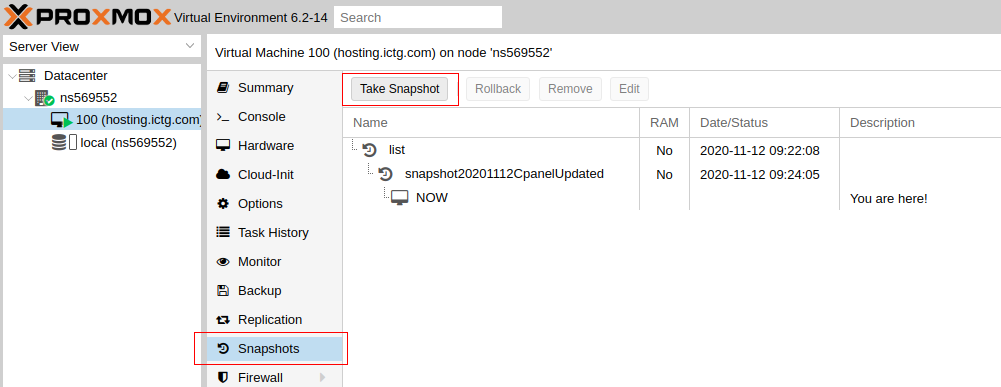
To create snapshot through command line, login to Proxmox server as user root, then run
qm snapshot VMID nameOfSnapShot
nameOfSnapShot = no space or special chars allowed. Sould start/end with alphabet (numbers should NOT be used at start/end).

See Proxmox