Install Zend OpCache on OpenLiteSpeed Server
Written by Yujin Boby
Edit in WordPressTo install Zend OpCache on OpenLiteSpeed Server, run
apt install -y lsphp73-opcache
Now restart PHP with command
killall -9 lsphp
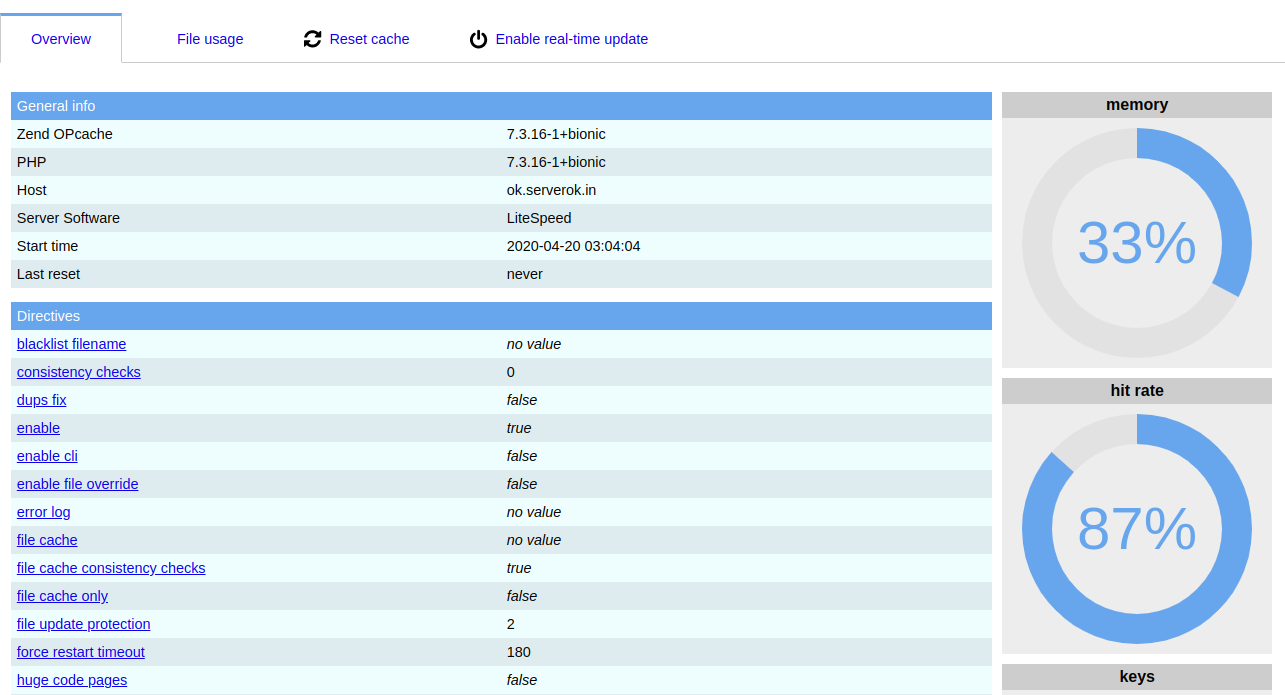
Zend OpCache GUI
Zend OpCache GUI shows stats for OpCache. This is for monitoring purpose only.
You can download it from
https://github.com/amnuts/opcache-gui
All you need to do is download the files, exact it, upload it to your web site. It will show nice graphs with cache statistics.