
Failed to mount /sysroot XFS Boot failure
Written by Yujin Boby
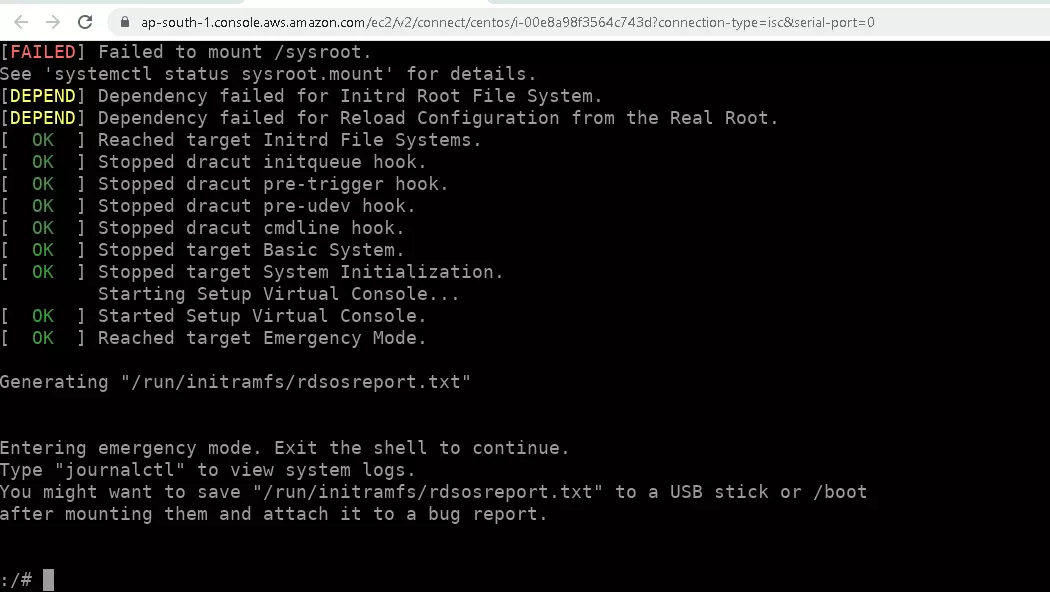
Edit in WordPressOn an Amazon EC2 server, the server won’t boot. On checking the serial console, the server was stuck with an error message
[FAILED] Failed to mount /sysroot
See 'systemctl status sysroot.mount' for details.
I created a new EC2 instance in the same region as the current server, detached the disk, and attached it to the new EC2 instance. When I try to mount the disk, it just hangs and i have to reboot the EC2 instance.
Used parted -l command to see the disk details.
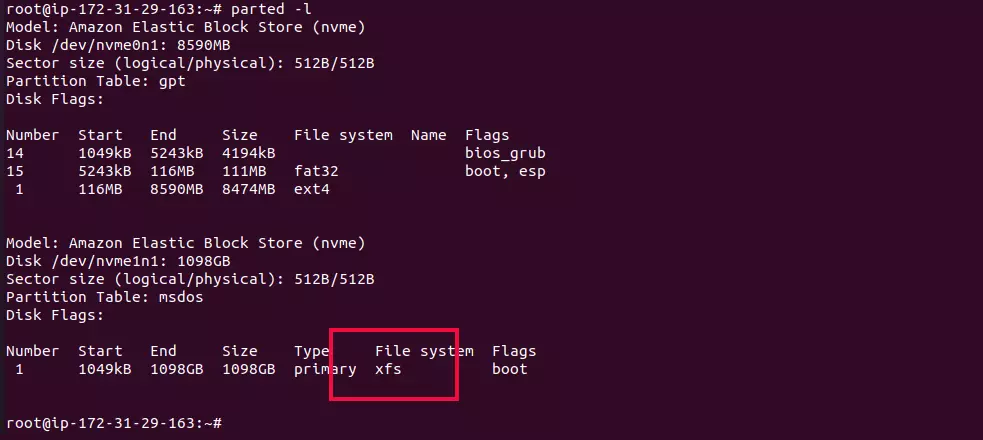
The disk file system is XFS. Checked the disk with the command
xfs_repair -v DEVICE_NAME_HERE
In this case DEVICE_NAME is /dev/nvme1n1p1.
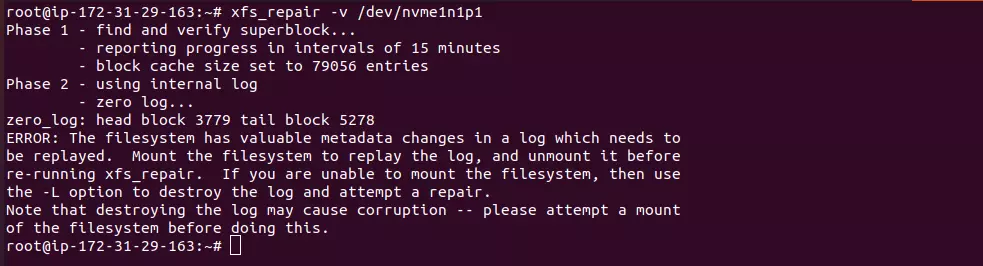
The disk has errors. Fixed it by running the command
xfs_repair -v -L /dev/nvme1n1p1
See HDD